
TwinkleCam Make tonight's clipMake a clip

Free printable · No sign-up

A letter from your elf: the camera is on tonight.

Your elf explains the tiny night camera Santa gave them, and that it's switched on tonight. Add the names, pick classic or funny, and print. Free, no sign-up, with a classroom version too.

Which letter
Who it's for

No name yet? Find one in the name generator.

Tone
Extras

The number joke kids can't stop saying. Leave it off if your house has had enough.

Elf post · North Pole · Camera on

Dear your child's name,

Big news! This year Santa gave every elf a tiny night camera, so we can show him what happens after bedtime. Mine is hidden somewhere in your house, and tonight it's switched on.

If you see a little red light, that's my camera recording. Please don't touch it or go looking for it, or the magic stops working. Cameras are even shyer than elves.

Some nights it catches me sneaking around, and if you're lucky, your grown-ups might get to see the footage. Sleep well, and I'll see you in the morning.

Smile for the camera!

Love,

your elf's name

Free letter maker · twinklecam.com
The names you type stay on this device. Nothing is sent to us. Fits US Letter and A4.

For the morning after

Give the camera something to show.

Send one photo of your living room, with no people in it. In about 20 seconds you'll see a free preview: your own room on a night camera, with an elf in it.

See it in your room, free

Made by AI. You see the preview before you pay anything.

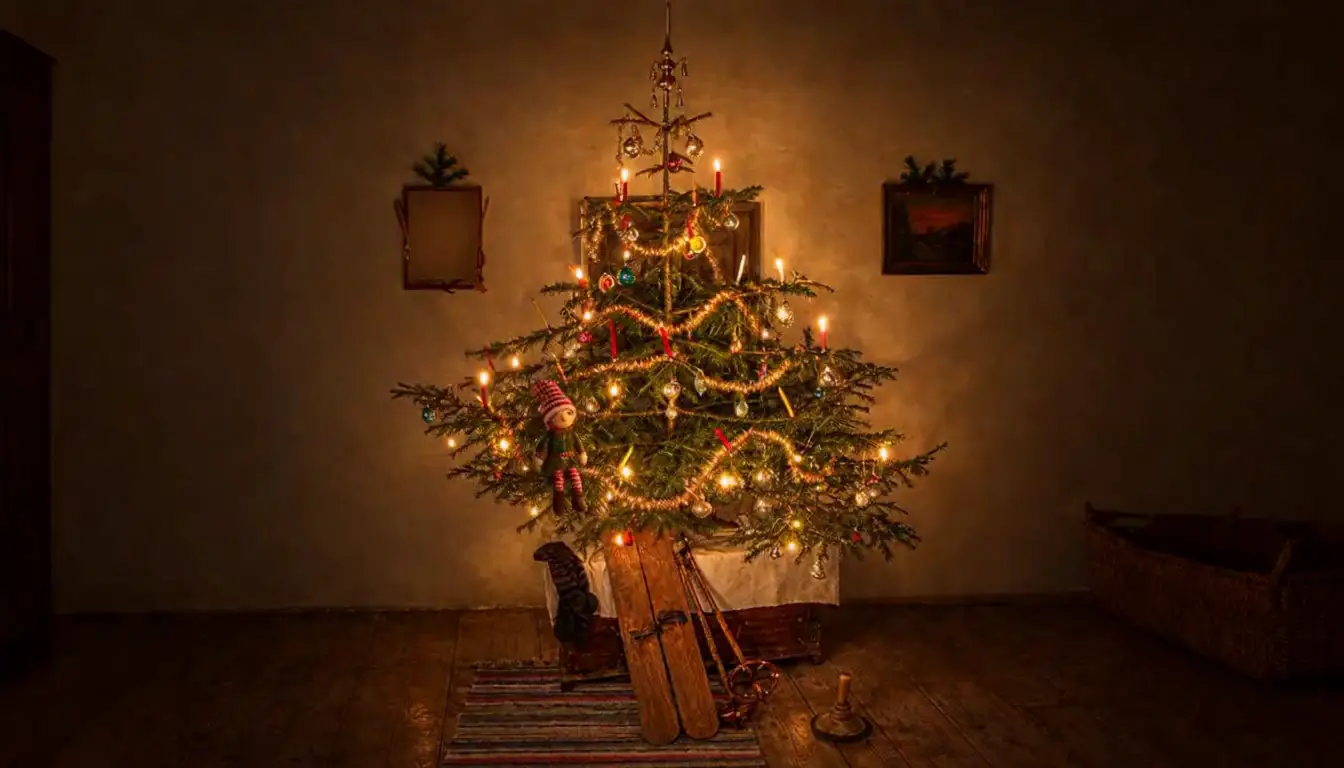
Night-camera still made by AI: a small elf in a candlelit Christmas tree in a dark room
Example footage · made by AI

How to use the letter

  1. Type your child's name (or a few names) and your elf's name. For a classroom elf, pick A class and type the class name. The letter changes as you type.
  2. Pick Classic or Funny, tick the 6-7 joke if your kids will love it, and add a P.S. if you like.
  3. Tap Print (choose Save as PDF there for a PDF), or save it as a picture and print it from your phone's photos.
  4. Leave the letter with your elf in the evening, next to a little 'camera' (see the ideas below), so it's the first thing they read.

Make the camera feel real

  • Set an LED tea light or a small red bike light near the elf as the 'recording light'.
  • Tape a paper label that says 'Property of the North Pole' onto an old phone, a toy camera or a small box.
  • Point the 'camera' at the tree or the fireplace, where the elf likes to sneak around.
  • Leave the letter where the camera would see it, with the elf giving a little wave.
  • Change the camera's spot every few nights, so it feels like the elf moves it.

Questions

Good to know.

Q.01

What is an elf camera letter?

It's a letter from your elf saying Santa gave them a tiny night camera and that it's switched on tonight. Some parents search for it as an elf cam letter. It adds a little magic before bed and gives kids a reason to stay in their rooms.

Q.02

Does the elf camera really record?

No, the letter is pretend play: there's no real camera. If you want footage to show in the morning, TwinkleCam turns one photo of your room into a short night-camera clip of an elf there. It's made by AI, and you see a free preview first.

Q.03

What should I use as the camera?

Anything small with a light works: an LED tea light, a red bike light, an old phone or a toy camera with a paper label. Point it at the tree or the fireplace.

Q.04

Is it OK to say the camera is watching them?

Keep it playful. The letter says the camera is there to show Santa what the elf gets up to after bedtime, not to watch the kids. If your child seems worried, you can tell them it only films the elf.

Q.05

Can I use it for a classroom elf?

Yes. Pick A class under Who it's for and the letter says the camera is hidden in the classroom. If you'd like a clip for your class, the room photo you send us must have no children or other people in it.

Q.06

Is there a 6-7 version?

Yes. Tick Add a 6-7 joke and the elf adds one line with the number joke kids can't stop saying. It's off unless you tick it.

Q.07

Is there an editable PDF?

The maker above is the editable version: type the names, change the tone, add a P.S., and the letter updates as you go. When it's right, tap Print and choose Save as PDF to keep a PDF copy, or Save as a picture for your phone.

Q.08

Can I print it at home?

Yes. It fits US Letter and A4 paper. To get a PDF, choose Save as PDF in the print window. If you're on a phone inside Facebook or Instagram, printing won't work there: tap Save as a picture and print it from your photos, or open the page in Safari or Chrome.

Q.09

Is it really free?

Yes. There's no sign-up and no email. The names you type stay on your device and aren't sent to us. We make TwinkleCam, night-camera clips of your elf made by AI, and the letters are a free extra.

Your letter

Your letter as a picture

Download