
Santa cam · Elf cam · Made by AI
A Santa cam that films your own living room.
Send one photo of the room with your tree. Our AI turns it into night-camera footage of your elf in that room, so the kids see their own room on the camera in the morning. The season pass adds Santa's visit on Christmas Eve.
A free, watermarked preview of your elf arriving, in about 20 seconds. Clips from $9.99, one payment, nothing renews. Every clip is made by AI from your photo: nothing in it really happened.
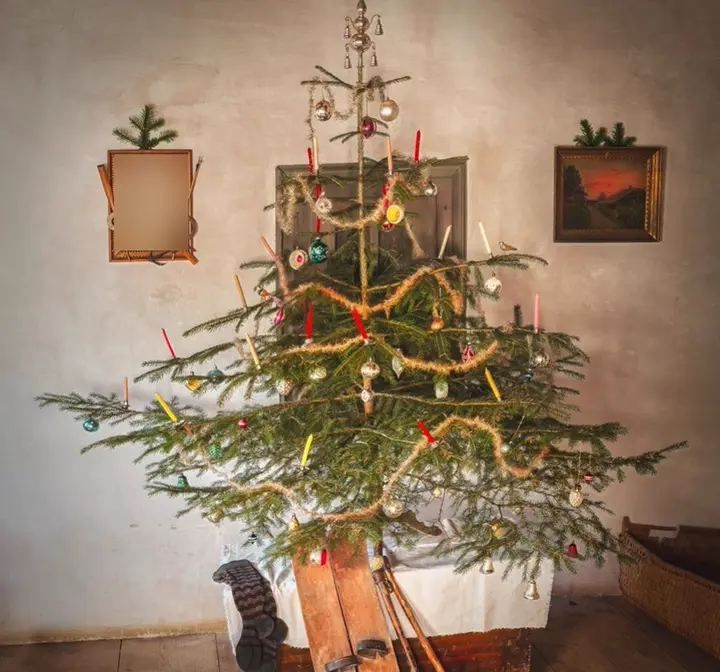
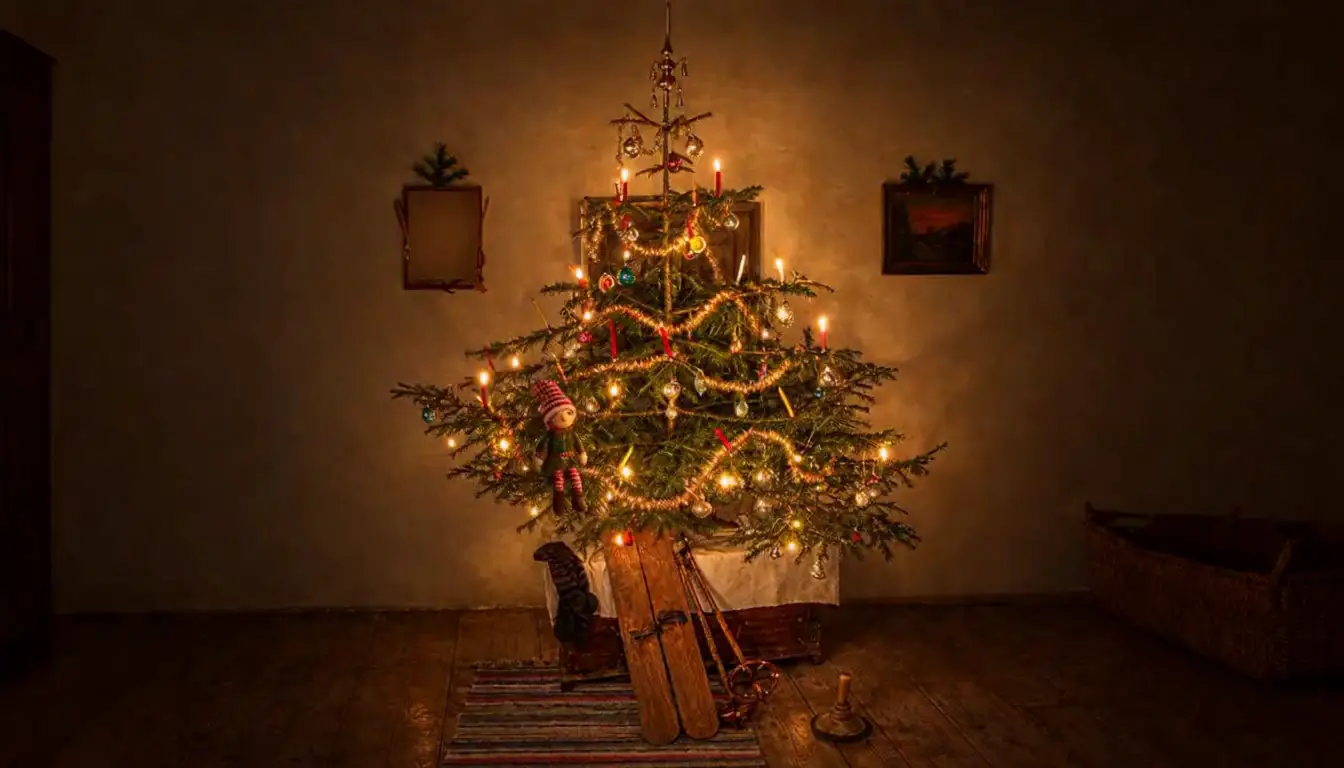
A real room photo, and an example clip made from it by AI.
The short answer
What is a Santa cam?
A Santa cam is a pretend home camera that “catches” Santa or an elf in your house, for kids who want proof. Families usually pick one of three kinds: a camera ornament on the tree, an app that adds a cartoon Santa to a photo, or video footage of the room. TwinkleCam is the third kind.
| Compare | Camera ornament | Santa photo app | TwinkleCam |
|---|---|---|---|
| What it is | A camera-shaped ornament for the tree, often with a little light | An app that puts a cartoon Santa or elf onto a photo you take | Night-camera video of your own room, made by AI from one photo |
| What the kids see | The camera itself, with no footage | A still picture, or a short animation on top of your photo | About five seconds of footage with a camera label and a ticking clock |
| Moving video | No | Some apps | Yes |
| To install | Hang it on the tree | Download an app | Nothing: it works in your phone’s browser |
| Cost | A one-off toy | Varies by app | Free preview; clips from $9.99, one payment |
Plenty of families use two: the ornament on the tree says the camera is watching, and the footage shows what it caught.
How it works
One photo, then the footage.
- 01 · Before bed
Photograph the room
One photo of the room with the tree, from where a wall camera would sit. Keep people out of it: we can't use photos that show anyone, including a TV with a person on it.
- 02 · Seconds later
See a free preview
In about 20 seconds you see your room after dark with your elf arriving, watermarked. Judge it for yourself before you pay anything.
- 03 · A few minutes
Get the footage
Pay once and the clip arrives by email: about five seconds of night-camera footage, with still frames for the family chat.
Christmas Eve
Santa on the camera, on the night itself.
Santa's Christmas Eve clip is included in the season pass ($24.99), along with ten elf clips for any nights in December. Set it up early and it lands on the night of 24 December.
See the season pass- With the season passSanta's visit is included
It comes with the pass: there's nothing extra to book or pay.
- Once the tree is upSend the room photo
You can preview it and ask for a redo before 23 December.
- 24 December · 9 PM your timeSanta's clip arrives
It lands in your inbox that evening, ready for the morning.
Elf cam
Your elf on camera, any night in December.
The same camera catches your elf. Start with the arrival: your elf climbing down the tree on its first night, with more scenes on the way through December. The season pass gives you ten clips for any nights and any room you photograph, so the kitchen counts too.
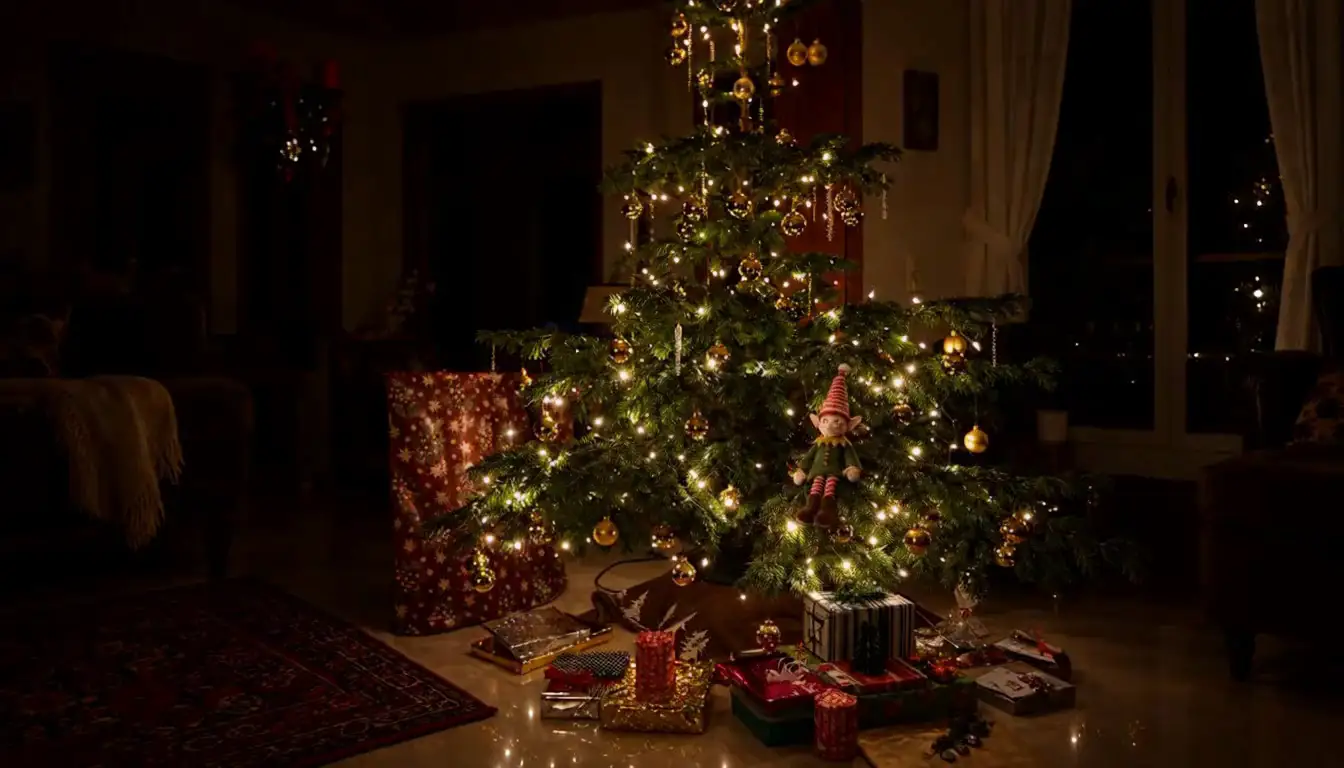
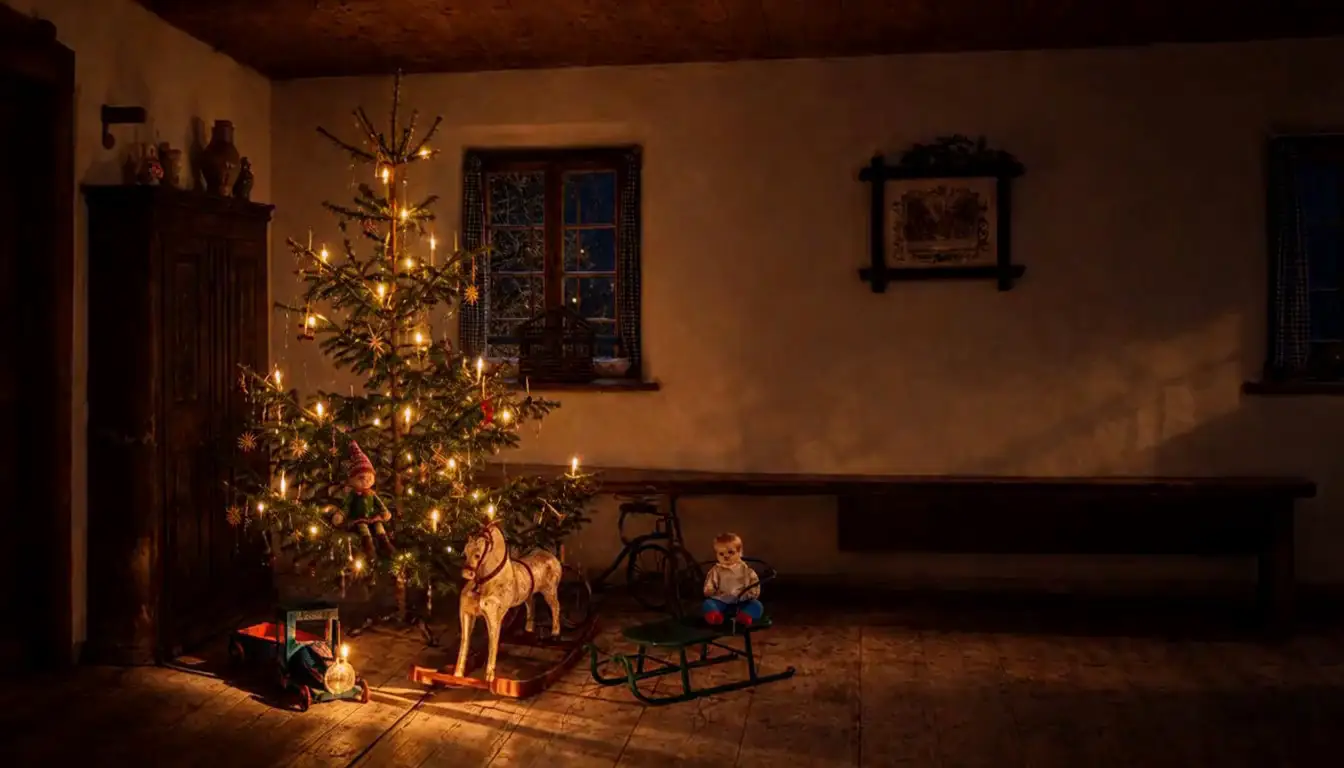
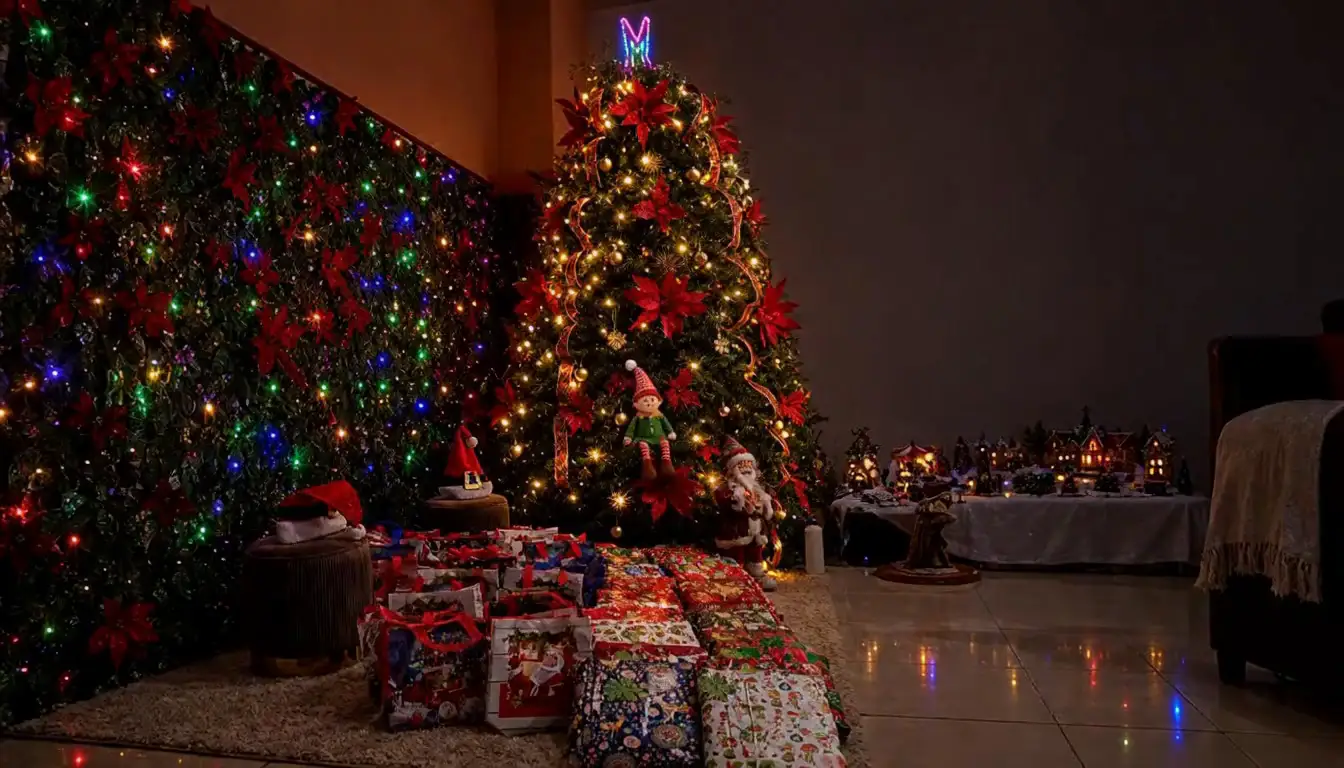
Example footage · made by AI
Ideas
How parents use their Santa cam.
- At breakfast. “The camera caught something last night.” Play the clip before school.
- On the elf's first morning. Pair the arrival clip with a free elf arrival letter that has your child's name on it.
- On a night you forgot to move the elf. The camera shows where it went, or pick a five-minute idea from our easy elf ideas.
- For the grandparents. Send them the still frames, or give them the season pass as a gift ($34.99) so it's their own house on the camera.
- On Christmas Eve and Christmas morning. Leave the elf's goodbye letter out at bedtime. In the morning, show them Santa on the camera and hand over a nice list certificate.
Try it tonight
See your own room on the camera.
Send one photo of the room with your tree and see your elf arrive in it, free, in about 20 seconds. Pay only if you like it.
See it in your room, freeMade by AI. You see the preview before you pay anything.
Questions
Good to know.
Q.01What is a Santa cam?
A pretend home camera that “catches” Santa or an elf in your house, for kids who want proof. It can be a camera ornament on the tree, an app that adds Santa to a photo, or video footage. TwinkleCam makes the footage: night-camera clips of your own room, made by AI from one photo you send.
Q.02Can you catch Santa on camera?
Not on a real camera: a home security or doorbell camera won't record Santa. Families who want footage use a pretend camera instead, like a camera ornament on the tree that says Santa is watching, or a clip made from a photo of their own room. TwinkleCam's clips are made by AI, and we say so before you pay.
Q.03Can I catch Santa on my doorbell or security camera?
Not for real: a doorbell or security camera only records what's actually there. Some families use apps that add Santa to a photo or a short clip instead. TwinkleCam makes night-camera footage of your own living room from one photo, made by AI: your elf now, and Santa on Christmas Eve with the season pass. We say it's made by AI before you pay.
Q.04What is a Santa cam ornament?
A tree ornament shaped like a little camera, often with a light, that families hang up so kids believe Santa's camera is watching. It doesn't record anything. Some families pair one with footage, so the camera has something to show.
Q.05Is there a free Santa cam?
You can see a free, watermarked preview of your own room with your elf arriving, with no account. A full clip is $9.99. Santa's Christmas Eve clip comes with the $24.99 season pass, along with ten elf clips. Our elf letters, a letter from Santa, elf names and a nice list certificate are free.
Q.06How do I make a Santa video of my own house?
Take one photo of the room with your tree, from where a wall camera would sit, and send it to TwinkleCam. You'll see a free preview of your elf in that room in about 20 seconds. Santa's Christmas Eve clip comes with the $24.99 season pass and arrives at 9 PM your time on 24 December.
Q.07Is the footage real?
No. Every clip is made by AI from the photo you send, and we tell you so before you pay. Nothing in it really happened. Every video and still file also carries a hidden note saying it was made by AI.
Q.08Do I need to download an app?
No. It works in the browser on your phone or computer. The clip comes by email with a private link to your clips page, and there's no account to make.
Q.09When does Santa's Christmas Eve clip arrive?
At 9 PM your time on 24 December, whenever you buy the season pass. Send the room photo once the tree is up; you can preview it and ask for a free redo before 23 December.
Q.10How can I show my kids that Santa came?
Small clues work best: a bitten cookie and an empty glass of milk, scattered reindeer food, sooty bootprints by the fireplace, a thank-you note from Santa, or a gift tag in handwriting they don't recognize. Some families add a short clip from a Santa cam on Christmas morning.
Q.11What if the clip comes out wrong?
Tap Redo on the clip page and we make it again, free, up to 3 times. If we still can't get it right, we refund that clip.
Q.12Is it safe to send a photo of my home?
We refuse any photo with a person in it. Room photos are deleted 7 days after their last clip, and by 26 December at the latest. We never use them to train AI.
Q.13Is it a subscription?
No. You pay once, nothing renews and there's nothing to cancel.