TwinkleCam Make tonight's clipMake a clip

Free printable · No sign-up

A welcome letter for a brand-new elf.

For your elf's very first visit: who they are, why Santa sent them and the house rules. Add the names, pick classic or funny, and print. Free, no sign-up.

Which letter
Who it's for

No name yet? Find one in the name generator.

Tone
Extras

The number joke kids can't stop saying. Leave it off if your house has had enough.

Elf post · North Pole · First visit

Dear your child's name,

Hello! My name is your elf's name, and this is my very first visit to your home. Santa chose me just for your family, and I've been excited all year.

Here's how it works. Every night I fly to the North Pole to tell Santa how your day went. Every morning I'll be back, hiding in a new spot for you to find.

Please don't touch me, or my magic might fade. But talk to me as much as you like. Tell me your Christmas wishes and I'll pass them on to Santa.

I can't wait to get to know you.

Love,

your elf's name

Free letter maker · twinklecam.com
The names you type stay on this device. Nothing is sent to us. Fits US Letter and A4.

For the morning after

Want proof your elf really came?

Send one photo of your living room, with no people in it. In about 20 seconds you'll see a free preview: your own room on a night camera, with an elf in it.

See it in your room, free

Made by AI. You see the preview before you pay anything.

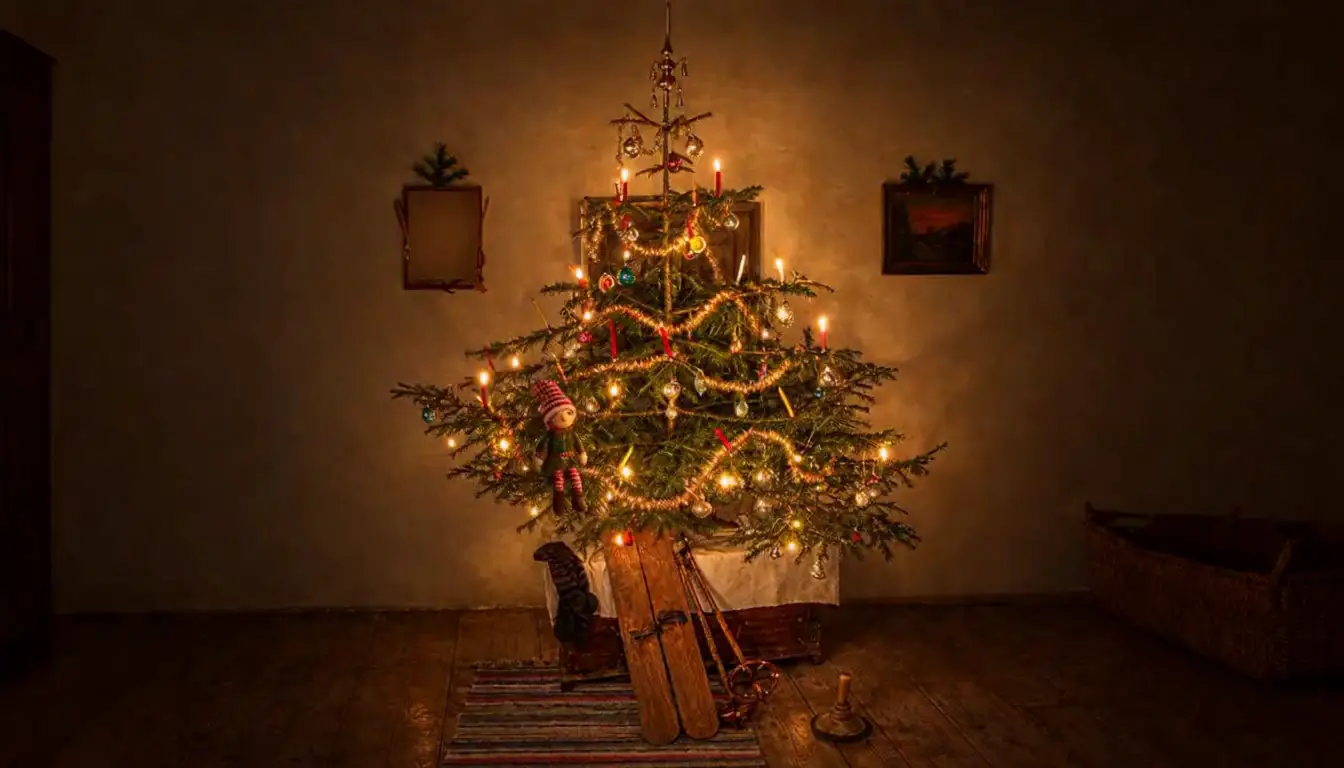
Night-camera still made by AI: a small elf in a candlelit Christmas tree in a dark room
Example footage · made by AI

How to use the letter

  1. Type your child's name (or a few names) and your elf's name. For a classroom elf, pick A class and type the class name. The letter changes as you type.
  2. Pick Classic or Funny, tick the 6-7 joke if your kids will love it, and add a P.S. if you like.
  3. Tap Print (choose Save as PDF there for a PDF), or save it as a picture and print it from your phone's photos.
  4. On the first night, leave the letter with your new elf somewhere easy to find, and read it together at breakfast.

Introducing a new elf

  • Choose the arrival night first. Many families start on 1 December; some start the night after Thanksgiving.
  • Let your kids help name the elf on day one, or find a name in the elf name generator.
  • Keep the rules to two or three. Kids remember short rules.
  • Plan easy spots for the first week (the tree, a bookshelf, the fruit bowl) and save the big ideas for later.

Questions

Good to know.

Q.01

What's the difference between a welcome letter and an arrival letter?

A welcome letter is for a brand-new elf's very first visit, so it introduces the elf and explains the rules. An arrival letter works any year. For an elf coming back, use the back-again letter.

Q.02

How do I introduce a new elf to my kids?

Have the elf arrive overnight with the welcome letter, somewhere easy to find, and read it together at breakfast. Some families let the kids choose the elf's name on the first day.

Q.03

What are the elf rules?

The classic rules are simple: don't touch the elf, or it might lose its magic; the elf flies to Santa every night to report back; and it hides somewhere new each morning. Kids can always talk to the elf. For a new elf, two or three rules is plenty, and the welcome letter sets them out.

Q.04

What if we haven't picked a name yet?

Try the elf name generator for ideas, or let your kids choose and print the letter that evening. Making a new one takes a minute.

Q.05

Can I use it for a classroom elf?

Yes. Under Who it's for, pick A class and type your class's name, like Room 12 or Mrs. Lee's class. The letter switches to school-day wording: the elf reports to Santa after everyone goes home and is back before the bell.

Q.06

Can I print it at home?

Yes. It fits US Letter and A4 paper. To get a PDF, choose Save as PDF in the print window. If you're on a phone inside Facebook or Instagram, printing won't work there: tap Save as a picture and print it from your photos, or open the page in Safari or Chrome.

Q.07

Is it really free?

Yes. There's no sign-up and no email. The names you type stay on your device and aren't sent to us. We make TwinkleCam, night-camera clips of your elf made by AI, and the letters are a free extra.

Your letter

Your letter as a picture

Download